Stop Wasting 10+ Hours a Week: How Smart Systems Transform Small Businesses
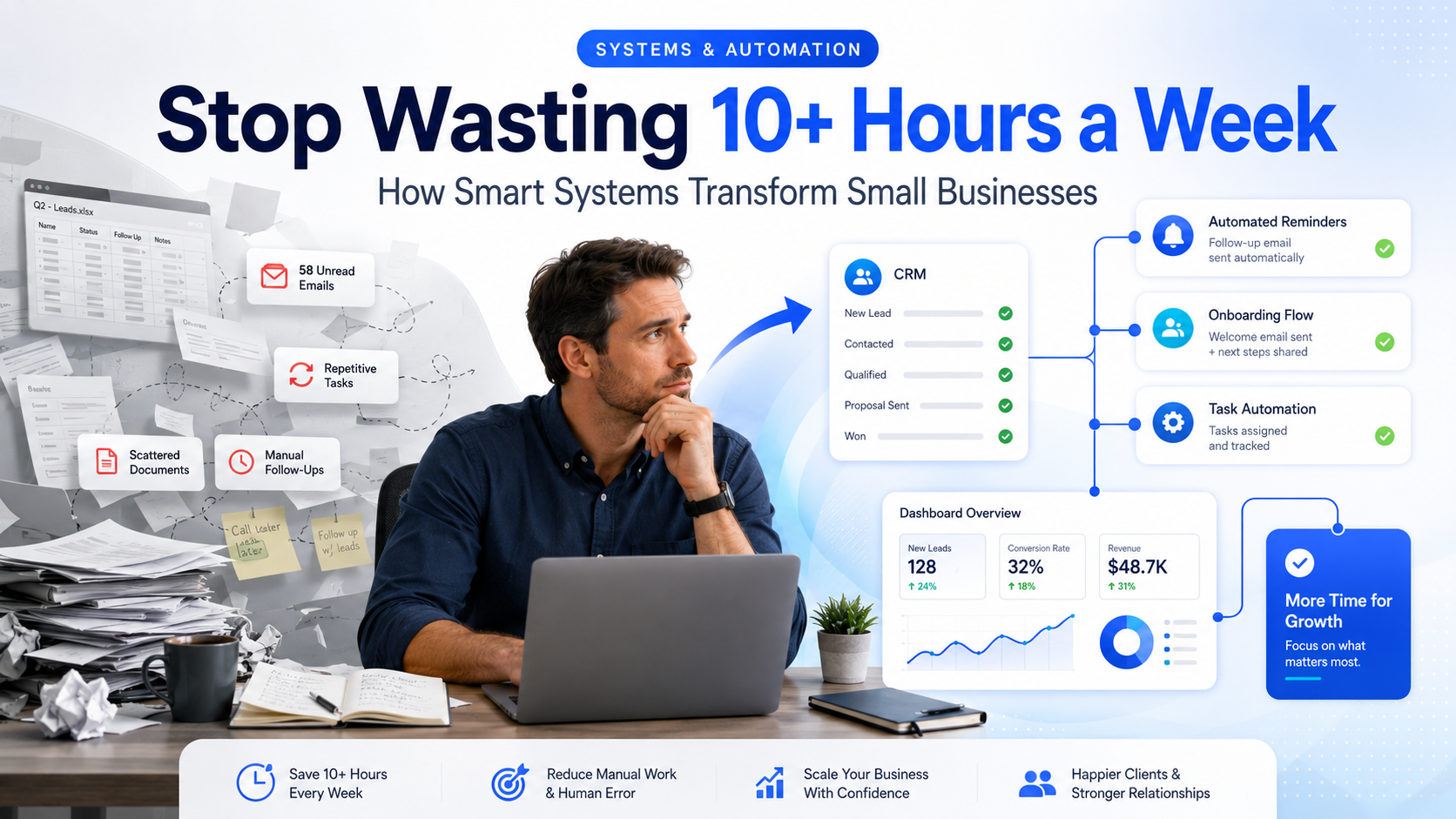
Running a small business shouldn’t feel like drowning in admin.
Yet for many SMEs, the day-to-day reality looks like this: spreadsheets everywhere, emails that never stop, documents scattered across inboxes, and “quick tasks” that somehow multiply overnight. You start the day with good intentions… and by lunch you’re stuck chasing invoices, updating trackers, and answering the same questions again.
Here’s the uncomfortable truth: you don’t have a time problem — you have a systems problem.
The solution isn’t “work harder” or “hire another person to patch the chaos.”
It’s building smarter systems.
This guide breaks down what business systems actually are, why automation matters even more in 2026, and how to start fixing the admin mess without rebuilding your whole business from scratch.
If you want to skip ahead to implementation, jump to Systems & Automation and How We Help.
What Are Business Systems?
Business systems are repeatable workflows that turn messy, manual work into consistent, reliable processes.
A “system” doesn’t have to be complicated. It can be as simple as:
A structured client onboarding flow
Automated invoice reminders
A central place for client files
A pipeline that tracks leads automatically
A weekly reporting dashboard
A follow-up sequence that runs without you
The magic is not the tool.
The magic is the workflow — the steps are defined, the handoffs are clear, and the process doesn’t fall apart when you’re busy.
When systems are done properly, your business stops relying on memory and willpower.
The Hidden Cost of “Just Doing It Manually”
Manual admin doesn’t just waste time. It creates invisible costs that quietly kill growth.
1) It breaks consistency
Clients experience different service levels depending on how busy you are. That’s how businesses lose trust without even realising it.
2) It creates errors
Human error isn’t a character flaw — it’s what happens when you’re switching between 10 tabs, answering messages, and trying to “remember” where that file went.
3) It blocks scalability
You can’t scale chaos. If the business only works when you personally hold it together, growth becomes painful.
4) It ruins response time
Modern customers expect fast replies. Slow follow-ups = lost leads. Even a one-day delay can cost deals in competitive industries.
Why Automation Matters in 2026
In 2026, small businesses are under pressure from every direction:
Rising operating costs
Staff shortages and high turnover
Increased customer expectations
AI-powered competitors who move faster
Automation helps you compete because it improves speed, clarity, and execution — without increasing headcount.
It also helps you retain clients (and staff) because the business becomes easier to run.
And there’s another brutal reality: people won’t wait around for slow experiences. Over half of users won’t wait more than three seconds for a website to load. Speed and usability are now part of “customer service,” even before someone contacts you.
Automation isn’t a trend. It’s operational survival.
What Smart Systems Actually Automate
Let’s get practical. Here are the high-impact automation areas almost every SME can improve.
Client onboarding
A good onboarding system can automatically:
Send welcome emails and next steps
Collect documents via a form
Create a client folder structure
Assign tasks internally
Trigger the first invoice or deposit request
Result: clients feel looked after, and your team stops improvising every new client.
Invoice reminders and payment follow-ups
Instead of chasing money manually, smart systems can:
Send reminders at set intervals
Escalate to SMS if email is ignored
Notify your team when overdue reaches a threshold
Log all communications in the CRM
Result: improved cashflow and fewer awkward “just following up…” emails.
Document collection (the admin black hole)
If your business relies on documents (accounting, finance, construction, medical, professional services), this is where time disappears.
Automation can:
Send document requests based on deadlines
Track missing files automatically
Send reminders until completed
Store files in a standard location
Result: fewer delays, less back-and-forth, and faster delivery.
Accounting & Finance automation
Lead capture and follow-up
This is where many SMEs leak revenue.
A system can:
Capture leads from your website forms
Auto-create a lead in your pipeline
Send instant confirmation to the lead
Assign the lead to the right person
Trigger a follow-up sequence if they don’t reply
Result: faster response times, higher conversion rates, fewer lost leads.
Reporting and visibility
You shouldn’t need to “feel” how business is going.
Systems can automatically generate:
Weekly lead reports
Pipeline and forecast snapshots
Project delivery status
Cashflow reminders
Support ticket summaries
Result: decisions based on data, not stress.
The “Systems Stack”: Tools Are Not the System
One of the biggest mistakes SMEs make is buying tools without a workflow plan.
A proper system usually includes a connected stack like:
CRM (leads + pipeline + client history)
Forms (data collection without endless emails)
Email automation (follow-ups, reminders, sequences)
File storage + folder logic (so anyone can find anything)
Reporting dashboards (visibility without manual updates)
The point is integration.
If your tools don’t “talk,” you’re paying for a more expensive version of chaos.
Quick Wins: Automation You Can Implement in 7 Days
If you want immediate impact, start here.
Quick Win 1: “Instant Lead Reply”
When someone fills your form, they should get an email in 30 seconds that:
Confirms receipt
Sets expectations (response time)
Offers a link to book a call
Asks one qualifying question
This alone reduces lead drop-off.
Quick Win 2: “Client Intake Form + Auto Folder”
Replace “send me the details” with:
A single intake form
Auto-generated client folder
Auto task creation for your team
You eliminate messy email threads instantly.
Quick Win 3: “Invoice Reminder Ladder”
Set reminders at day 3, day 7, day 14 (example).
Escalate channel as it becomes overdue.
You get paid faster — without chasing.
What ZigMax Digital Does (And Why It Works)
At ZigMax Digital, we don’t sell “random automations.”
We build systems that match how your business actually operates — and we make sure they scale.
Here’s our approach:
1) Process audit + bottleneck diagnosis
We look at where time is being lost and why.
2) Workflow design
We map the workflow in plain English so it’s easy to understand and maintain.
3) Tool selection + integration
We connect the stack (CRM, forms, email, accounting, etc.) so everything flows.
4) Implementation + testing
We build the system, test edge cases, and remove friction points.
5) Documentation + training
Your team gets a system they can actually use — not something that requires a developer to breathe.
“But Won’t Automation Make My Business Feel Less Human?”
Only if it’s done badly.
A good system doesn’t remove the human touch — it removes the repetitive, low-value work so your humans can do what humans are good at:
Building relationships
Solving real problems
Delivering high-quality service
Making smart decisions
Automation should make your business feel more responsive and professional, not robotic.
What a “Well-Systems-Run” Business Looks Like
Picture this:
Leads are captured and followed up automatically
Clients onboard themselves with guided steps
Files are collected without chasing
Tasks are assigned without confusion
Reports arrive weekly without manual effort
You can go offline for a day without the business stalling
That’s not fantasy. That’s what happens when the workflow is built properly.
Next Step: Start With One Workflow
Trying to automate everything at once is how projects die.
Pick one area:
Lead follow-up
Onboarding
Document collection
Invoicing
Reporting
Fix it properly, then build the next layer.
If you’re not sure where to start, that’s exactly what a discovery call is for.
Book a free discovery call
Explore Systems & Automation
Free tools & templates